

One of the first questions we get from clients is: "Should I go with a template or get a custom website built?"
The honest answer? It depends.
If you're a small business with a simple online presence and no plans to scale, a template will do the job. However, if you're planning to grow, drive serious traffic, test and optimise constantly, or need multiple departments working from the same site, custom is worth the investment.
Most online advice treats this like a simple choice, but it's not. Before you can work out which option is right for you, you need to understand what a template actually is, what a custom site is, and why they're not the same thing.
We sat down with David (founder of Websites that Sell and Marketing Strategist) and Nik Marchese (our Lead Software Engineer) to break down what actually matters when choosing between templates and custom development. Between them, they've built hundreds of websites across every platform (and seen the wins and nightmares associated with each).
Can a Good Template Actually Compete with Custom Design?
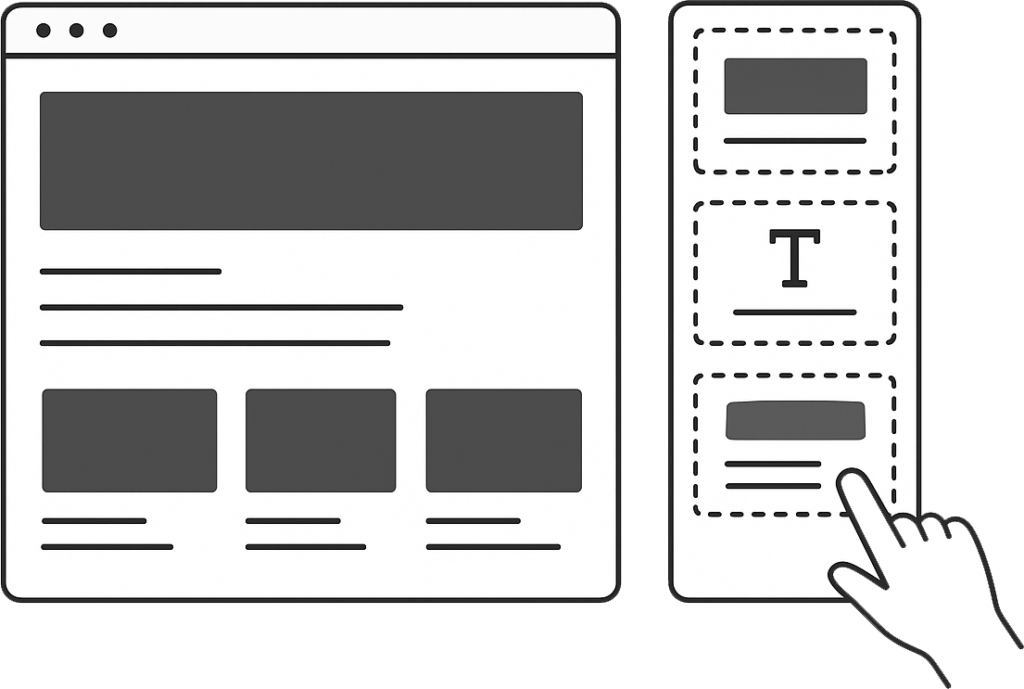
The short answer is yes, if it's done well.
Users don't necessarily notice or care whether your site started as a template. They care if it works and looks professional.
But you'll rarely find the perfect template out of the box.
We asked David if he's ever found a template that just worked without any customisation. His answer?
"You'll be able to find a template that ticks a lot of the boxes, but I've never come across a client who wants something, and you find the perfect template without having to customise it."
There are hundreds of thousands of templates available now. But they're built for general purposes, not for your specific customer journey.
Custom sites are different. They're built from the ground up with your customer and branding in mind. The way information is structured, how buttons function, and the entire flow are designed to convert your specific audience.
"If your customer profile is a young crowd, you don't have to explain everything down to the detail because they're pretty savvy on the web. Whereas if your customer profile is an older generation, it's a lot more step-by-step and walking them through the process, explaining things and making things a lot easier,” David said.
Why Templates Cost Less (And Why That Changes)
Most businesses choose templates because of budget and timeline. A template gets you up and running faster and cheaper than custom development.
But there are trade-offs.
Templates Launch Faster, Custom Gives You More Control
With a template, you're live fast. Pick a design, customise the colours and copy, and you're done.
Custom development takes much longer before you really start to see progress.
But once you're up and running, custom sites are built for your exact needs. Changes down the line are cleaner and faster. Templates can become a tangled mess if you start pushing them beyond their original design.
Platform Limitations That'll Hurt Your Rankings
When it comes to SEO, platform choice matters more than whether you use a template or go custom.
With WordPress, we can optimise every technical element exactly as Google wants. Other platforms have built-in limitations.
Shopify is pretty good for SEO overall. We've ranked plenty of Shopify sites. But they force the word 'collections' into your URL structure, and there's no way to remove it. It's not a dealbreaker, but it's one more thing you're stuck with.

Squarespace and Wix are more restrictive. You can't control how things load, you can't change how things are structured or called in, and sometimes you hit limitations with canonicals and other technical elements.
Can you rank well on these platforms? Yes. But there are ceilings. When you hit them, you'll need to compensate with other tactics, such as link building.
Nik sees this constantly: "When we get SEO tasks for a Wix or a Squarespace site that involve meta tags or descriptions or different attributes, we oftentimes just have to send it right back and say I'm sorry. There's nothing we can do about it. Whereas with a WordPress site, even if you started with a template, you can always still build upon it."
Why Some Templates Slow Your Site Down

Not all templates are created equal. Anyone can create a template and sell it. With AI-generated code becoming common, quality varies wildly.
David's noticed the shift: "A lot of the newer ones are probably coded by AI. What I've learned is that the quality of the coder will determine how quality the template is."
Template builders often stack multiple tools and plugins together to achieve certain effects. On the surface, everything works. Under the hood, there's bloat. Redundant code that slows your site down, hurts SEO, and makes future changes harder.
Nik's spent hours tracking down bugs in poorly built templates: "Some templates are built really well, and as long as you don't go too crazy, it's probably going to be pretty good. But then there are others where you stack one or two extra things on top, and a few months later, I'm spending three, four, five hours tracking down something that should be totally simple."
By the time you discover the problem, you're already paying development costs that could have been avoided.
What Happens When You Outgrow a Template?
Templates are designed to do specific things. When you try to force them to do something they weren't built for, things get expensive.
David emphasised this by saying, "The front end was cheaper, but what we generally find is you get out of the gates much quicker, and in the long term, as your business grows and your needs expand, it gets a lot more expensive than if all of that was thought of from the beginning."
When Templates Stop Working
Multiple Departments With Different Needs
Your marketing team needs landing pages and ad tracking. Your sales team needs CRM integration. Your customer service team wants educational content. A template can't handle all of that without becoming a mess.
You Need To Test And Change Things Fast
If you're running A/B tests, moving buttons around, and restructuring layouts based on data, you need a framework built for speed. Templates break when you push them like this.
You're Running A Serious eCommerce Operation
WordPress with WooCommerce works for ecommerce, but Shopify was built for it from the ground up. If you're trying to bolt a shop onto a template that wasn't designed for it, you're setting yourself up for problems.

Shopify was designed purely for ecommerce. The blogging features and SEO flexibility are possible, but they're not as easy. WooCommerce bolts onto WordPress, but you still get all the content and optimisation features you'd expect from a normal WordPress installation.
The more you start stacking features on top of a template or changing it beyond its original purpose, the harder it gets. And you probably won't see these problems until it's too late.
Moving from Template to Custom (or Vice Versa)
Most businesses move from template to custom when they can't do what they need anymore. The site converts well enough, but now they want something new, and the platform won't let them.
But we've also seen the opposite.
Sometimes a business invests in a heavily customised site, but they can't actually operate it. Every small change requires a developer and costs five or ten hours of work. In those cases, moving to a simpler, template-based platform might make more sense, especially if they've brought on an in-house team to handle basic updates.
The question isn't "which is better?" It's "what do you need now and what will you need in a few years?"
How to Make This Decision
Map Out Your Business Needs For 3 to 5 Years
Will you be running ads? Do you need ecommerce? Will you be building out educational content?
If you just need a professional online presence and people find you through word of mouth, a template is probably fine.
But if you're planning to scale, drive traffic through paid ads, or build a content marketing engine, think longer term.
You don't need to build everything straight away. But you should know what's coming. Multiple locations, landing pages for different service areas, or forms that route to different sales reps. If those things are in your plan for the next few years, build for them now. It'll save you the cost of rebuilding later.
Think About Who's Actually Using Your Site

Templates assume an average user. They're designed for broad appeal, which means they might not match how your specific customers actually behave.
Templates give you limited ability to adjust for differences in demographics, age and customer journey flows. Custom builds let you design the experience around how your customers actually think and make decisions.
And whether you're using a template or a custom one, make sure it's responsive across all devices. User experience makes all the difference when it comes to conversions.
Think About Testing
If you're getting hundreds or thousands of visitors a day, small changes can have big impacts.
One small change can completely shift the outcome of a campaign. If you can't make those changes quickly, you're slowing down your ability to optimise.
For local businesses with a few hundred visitors a month, templates work fine. For businesses driving serious traffic, custom frameworks let you move faster.
Cheap Now Doesn't Mean Cheap Forever
Templates are cheaper upfront. Custom builds cost more initially, but often save money over the long term because they're built for flexibility.
When you know from the start what you'll need down the line, you can build things to work together properly. But when you tack features onto a template that wasn't designed for them, you end up taking shortcuts and workarounds. Those workarounds add up fast in development time and cost.
You also need to think about ongoing maintenance. Templates require less technical maintenance upfront, but custom sites give you more control when updates or fixes are needed.
When Templates Make Sense
You're A One-person Operation With No Plans To Scale
David spoke with a pest control operator recently who said, "I like doing jobs here and there. I don't want to manage anyone. This is where I am and where I want to stay."
For that business, a template is perfect. It's a digital business card.
You Don't Have The Cash Flow Yet, But You Know You'll Need Custom Eventually
If you're aware that you'll outgrow a template, but you need something now, go with a template with eyes wide open. Just understand you'll be rebuilding at some point.
It's better to have something online now than to wait years saving up for the perfect custom build. Get the template, start getting traffic and leads, then rebuild when the business can afford it and actually needs the extra functionality.
Your Website Isn't A Lead Generation Tool
If your business relies on offline marketing, referrals, or sales reps, and your website is just there to confirm you're legitimate, don't overcomplicate it. A well-designed template does the job.
When You Need Custom
You Have Multiple Departments With Different Needs
Marketing needs landing pages. Sales needs CRM integration. Customer service wants educational resources. A template can't handle that cleanly.
As soon as you've got a few different needs pulling in different directions, you're better off building something custom from the start. Trying to bolt features onto a template that wasn't designed for them means things will break. And if the template quality isn't great to begin with, those problems show up fast.
You're Serious About Testing
If you're running experiments, moving buttons around, restructuring layouts based on data, you need a framework built for speed and flexibility.
If the theme is clunky and one change breaks something else, it becomes a nightmare to work with. Custom frameworks are built from the ground up to handle these changes without breaking anything else. That's when custom makes sense.
You're Building Something At Scale
Whether you're planning for thousands of visitors a day or managing a complex ecommerce operation, custom gives you the control and performance you need.
What's the Difference Between a Template and a Platform?
People use these terms interchangeably. But they're actually different things.
Your platform is where your website lives, such as Wix, Squarespace, Shopify, and WordPress. It handles your hosting, provides tools to build pages, and manages security updates.
A template is just the design sitting on top of that platform. The layout, the colours, and how things are arranged on the page.
Some platforms let you do whatever you want with templates. Others lock you in.
Wix and Squarespace are closed systems. You pick from their template library, and you work within their rules. It's simple, which is the point. But when you want to do something the platform wasn't built for, you're stuck.
WordPress is open. You can buy any template from anywhere, rip it apart and rebuild it, or start from scratch. But that flexibility means you're also responsible for keeping things updated and secure.
What You Should Do
There's no universal right answer. We've seen businesses hit seven figures on template sites. We've seen mediocre results from expensive custom builds.
Your website is a tool. What matters is whether it does what you need it to do.
David sums it up by saying, "I think we've just got to get really clear on what the objective is that your website needs to serve. Once you understand that, then you can kind of understand, okay, is there a template out there, or do I have to go the custom route to achieve that objective?"
If you're still not sure which direction makes sense for your business, reach out to our team at Websites That Sell. We'll help you figure out what works for where you are now and where you're headed.